




01 / 07 · The threshold
One step,then the next.
Limen shows the one task that fits the moment, helps start it, and brings it back after an interruption.
Get LimenScroll to continue
Draft the project summary
25 min · your top priority
In focus
Draft the project summary
Only this task, until it is done or it is time to pause.
What is in the way?
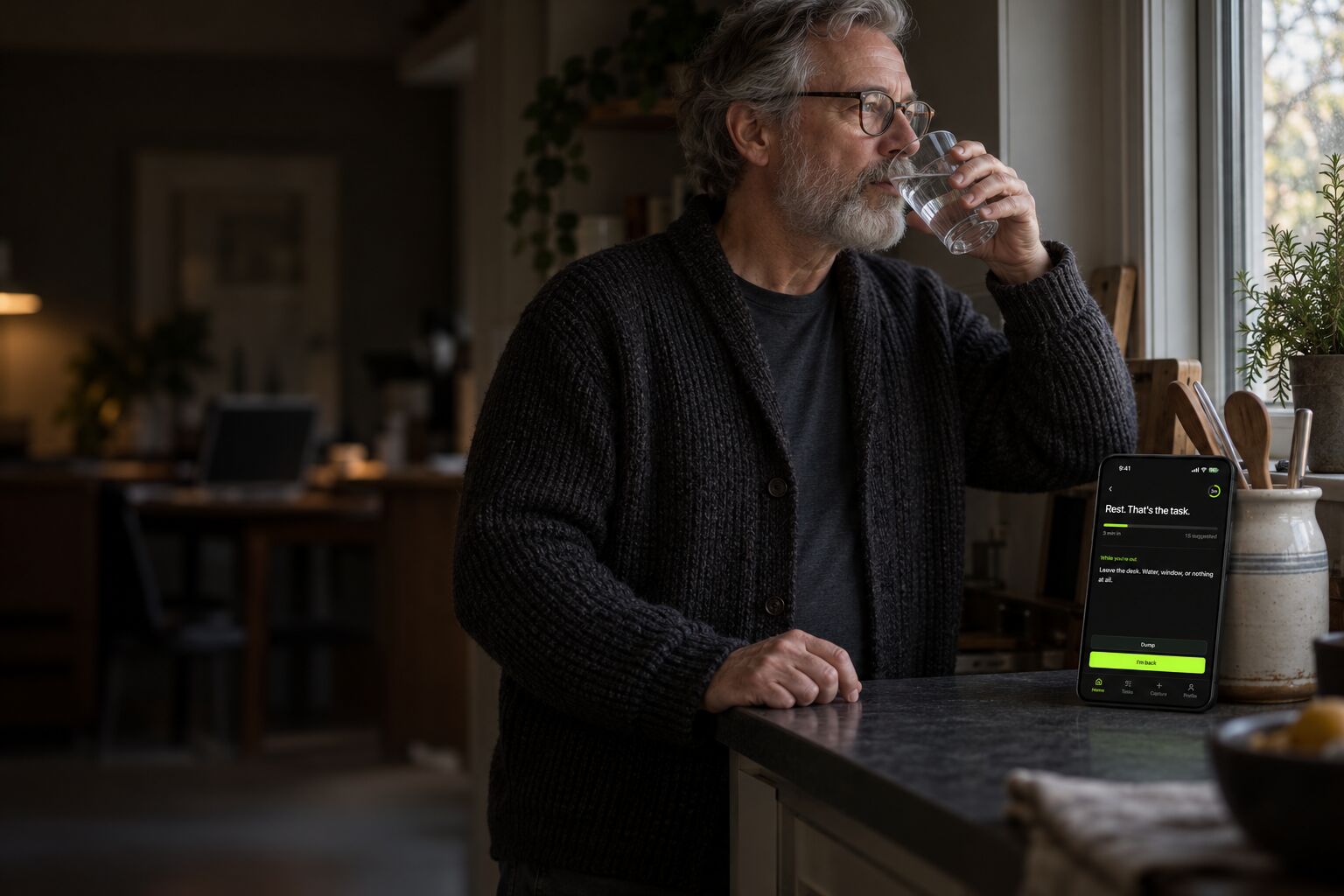
Paused
Draft the project summary
Saved where it stopped. A pause does not reset anything.
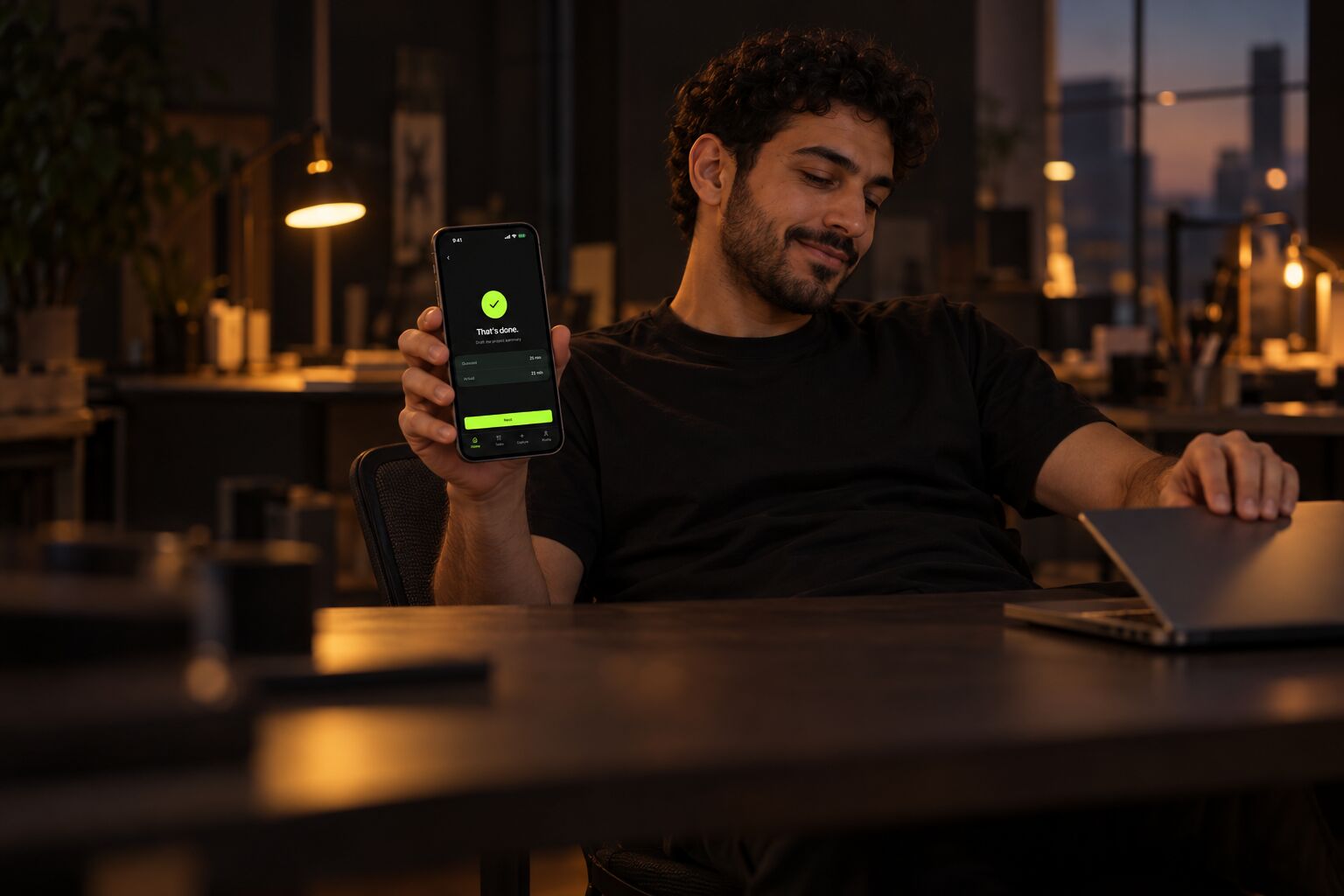
Nothing left for now.
The task is finished. Stopping here is allowed.
Interactive preview. Select Start, Stuck or Step away.
Preview
Now try it.
This preview uses the same labels as the app. Select Start to begin, Stuck to receive a smaller step, or Step away to pause and return.
Capture
Say it or type it.
Capture is a short conversation. One message can hold several tasks, and voice dictation is available when typing is too much. Limen asks a question only when something is missing.
Send the invoice to Marta before Friday, and call the dentist.
Two tasks saved. How long does the invoice take?
About 20 minutes.
Saved. The invoice is set to 20 minutes.
Principles
Without the pain of
A return after a hard day should cost nothing. These features add pressure, so Limen leaves them out.
Streaks
A missed day does not erase anything.
Overdue counts
Late tasks are never presented as a debt.
A backlog as the home screen
The home screen shows one action, not a list.
A method to configure
The first task needs no system, tags or categories.
Scores
Finished work is a record, not a performance rating.
Details
Quiet by default.
Guessed and actual time
After each session, the guessed time appears beside the actual time. No judgment, only a better estimate for the next task.
Notifications that follow the schedule
Work hours, rest and quiet hours are described once, in one sentence. Notifications are optional and stay inside those hours.
I work 9 to 6, lunch at 2, nothing after 10 at night.
Schedule saved.
Finished work, by day
The Tasks page lists what was completed on each of the last seven days. It is a record to read, not a number to defend.
Today
Start with one action.
Install Limen, capture the first task, and begin with the smallest step that fits today.